

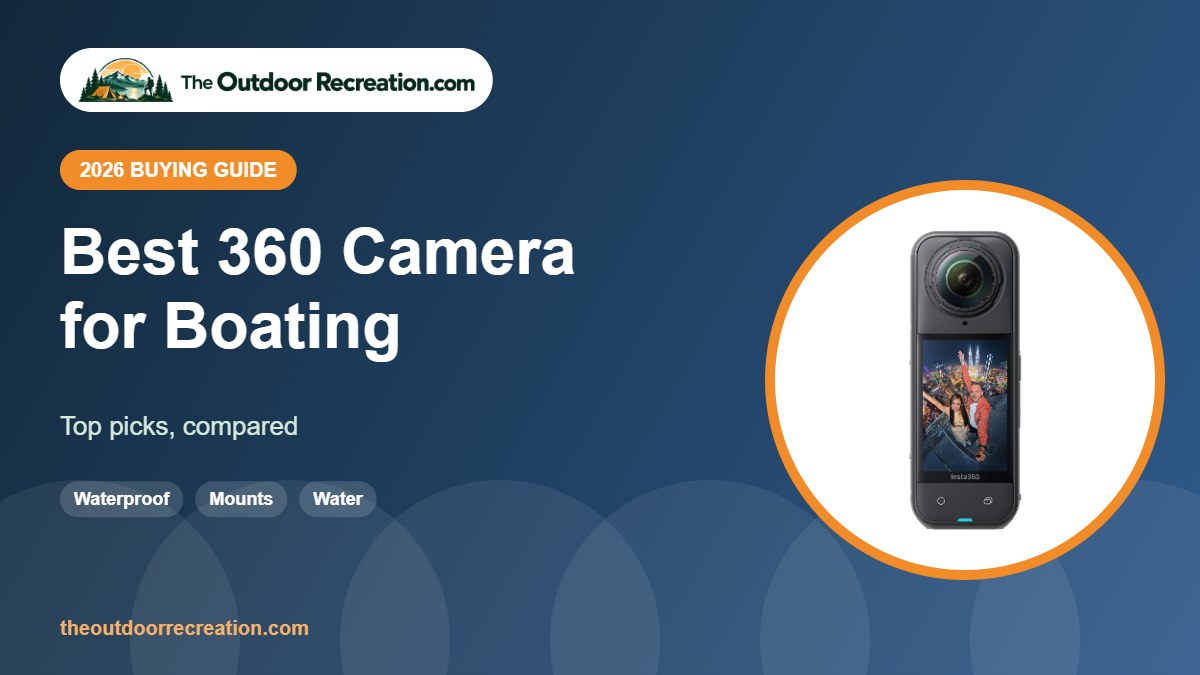
A 360 camera on a boat captures the whole crew, the wake and the scenery at once.
We picked waterproof 360 cameras that handle spray, sun and glare.
The Outdoor Recreation is reader-supported. As an Amazon Associate we earn from qualifying purchases, at no extra cost to you.
Quick Picks
- Best overall: Insta360 X5
- Best low light: DJI Osmo 360
- Best GoPro mounts: GoPro MAX2
- Best lightweight: Insta360 X4 Air
- Best budget: AKASO 360 Action Camera
Comparison Table
| Product | Best for | Video | Standout feature | |
|---|---|---|---|---|
| Insta360 X5 | Best overall | 8K30 360° | Dual 1/1.28″ sensors | View |
| DJI Osmo 360 | Best low light | 8K30 360° | 1-inch 360 imaging | View |
| GoPro MAX2 | Best GoPro mounts | True 8K 360° | 360 + traditional modes | View |
| Insta360 X4 Air | Best lightweight | 8K 360°, 165 g | Lightweight | View |
| AKASO 360 Action Camera | Best budget | 5.7K 360° | Budget 360 | View |
Detailed Reviews

1The Insta360 X5 is the flagship 360 camera most riders and travelers start with. Dual 1/1.28-inch sensors record 8K30 360-degree video, and a triple AI chip design improves low-light footage.
It is waterproof, has replaceable lenses and supports the invisible selfie stick effect and AI reframing in the Insta360 app.
Pros & Cons
What we like
- Excellent 360 image quality
- Replaceable lenses
- Mature editing app
Watch out for
- Large files to manage
- Lenses need guards
Key Specs
- Video: 8K30 360°
- Sensors: dual 1/1.28 in
- Waterproof: yes
- Lenses: replaceable

2DJI’s Osmo 360 uses 1-inch 360 imaging for strong low-light performance and records 8K30 360-degree video.
It is the main rival to Insta360, with DJI’s color science and app ecosystem.
Pros & Cons
What we like
- 1-inch 360 imaging
- Strong low light
- DJI ecosystem
Watch out for
- Newer app ecosystem than Insta360
- Premium price
Key Specs
- Video: 8K30 360°
- Imaging: 1-inch 360
- Brand: DJI

3GoPro MAX2 records true 8K 360 video and can also shoot like a traditional GoPro, with a touch screen.
It fits the GoPro mount ecosystem many riders already own.
Pros & Cons
What we like
- 8K 360
- Traditional mode
- GoPro mounts
Watch out for
- Premium
- Fewer reviews so far
Key Specs
- Video: true 8K 360°
- Modes: 360 and traditional
- Screen: touch

4The X4 Air is a lighter 360 camera at about 165 grams, with 8K 360 video and the invisible selfie stick effect.
It is our pick for travel and hiking when weight matters more than the very best low-light performance.
Pros & Cons
What we like
- Very light
- 8K 360 video
- Replaceable lens design
Watch out for
- Smaller battery than X5
- Less low-light detail
Key Specs
- Weight: ~165 g (brand)
- Video: 8K 360°
- Feature: invisible selfie stick

5AKASO’s 360 camera records 5.7K 360 video with its own stabilization. AKASO notes that it does not support HDR and low-light quality may be limited.
It is an affordable way to try 360 filming in good daylight.
Pros & Cons
What we like
- Affordable
- 5.7K 360
- Simple to use
Watch out for
- No HDR
- Weaker in low light
Key Specs
- Video: 5.7K 360°
- HDR: no (brand)
How We Chose
We compared sensors, video modes, stabilization, waterproofing, battery options and mounting ecosystems across dozens of cameras, then read verified owner feedback to find reliability and usability issues that spec sheets miss. We did not receive free products, and we do not claim hands-on testing. TOR Scores combine published specs, verified owner feedback and overall value.
How 360 Cameras Work
A 360 camera uses two back-to-back fisheye lenses to record everything around you at once. You can then reframe the video later in an app, choosing where to point the “camera” after the fact, or share an immersive 360 view.
- Reframing: record first, choose angles later. Great for riding, skiing and travel, where you cannot aim a camera on the move.
- Invisible selfie stick: the stitching line hides a stick held directly below the camera, creating a drone-like third-person view.
- Horizon lock: keeps the horizon level even as you lean and turn.
- Resolution: 360 resolution is spread across the whole sphere, so an 8K 360 file looks roughly like a sharp HD clip once reframed to a flat video.
- Single-lens mode: many 360 cameras can also shoot like a normal action camera.
Lenses stick out on both sides, so protect them with lens guards and avoid placing the camera lens-down.
Filming Underwater and on the Water
Check the camera’s rated depth and whether it needs a dive housing for deeper dives. Rinse with fresh water after saltwater use, dry it before opening doors, and keep seals free of sand. Red light disappears quickly with depth, so footage looks blue-green below a few meters; a red filter or color correction in the app helps. Use a floating handle or tether when boating, kayaking or fishing so a dropped camera does not sink.
Related guides: best 360 camera, best 360 camera for travel, best action camera for diving, best action camera for fishing. See every pick in our Action Cameras category.
Common Action Camera Mistakes
- Using a slow memory card. Recording stops or files corrupt. Use a card the maker recommends.
- Forgetting a lens guard. Scratches are permanent and ruin footage.
- Mounting too loosely. Vibration causes jello and lost cameras. Tighten and tether mounts.
- Recording everything at maximum settings. 8K or 5.3K fills cards and drains batteries quickly; choose 4K for most clips.
- Ignoring audio. Wind noise ruins many clips; use wind reduction or a mic accessory.
- Not updating firmware. Updates often improve stabilization and battery life.
Accessories Worth Buying
- Spare batteries and a charger: the most useful upgrade for long days.
- Fast microSD cards: buy two so you can swap when one fills up.
- Lens guards or protectors: cheap insurance against scratches.
- Chest and helmet mounts: for natural POV shots.
- Floating handle: essential near water.
- Mini tripod or selfie stick: for vlogging and time-lapses.
Action Camera Care and Settings
- Use a fast, high-endurance microSD card rated for 4K recording.
- Update firmware through the app for better stabilization and battery life.
- Keep spare batteries warm in an inside pocket on cold days.
- Use a lens guard; scratched lenses ruin footage.
- For most sports, 4K at 60 fps with stabilization on is a good default.
Mounting Tips for Riders and Athletes
- Use a secure, purpose-made mount and a tether where possible.
- Chest mounts give a natural, stable riding view; helmet mounts show where you are looking.
- Check that mounts do not interfere with your helmet’s fit or your field of view.
- Start recording before you set off, and never adjust the camera while riding.
- Clean the lens and check battery and card space before each session.
What You Get at Each Price Level
Price brackets change often, but the pattern is consistent:
- Entry-level: 4K at 30 fps, basic stabilization, a waterproof case and many accessories. Fine for casual use in good light.
- Mid-range: better sensors, waterproof bodies without a case, stronger stabilization and front screens for vlogging.
- Flagship: larger sensors, 4K at 120 fps, 10-bit color, the best stabilization and the most reliable apps.
If you film often in low light, at speed or for paid work, spending more makes a visible difference. For occasional trips, an entry-level camera covers the basics.
Sources and further reading: Leave No Trace: the 7 Principles (respect wildlife and other visitors when filming), National Park Service: the Ten Essentials and NHTSA: bicycle safety. Product specs come from brand listings on Amazon.
Frequently Asked Questions
Is a 360 camera better than an action camera?
Not better, different. A 360 camera records everything and lets you choose angles later; an action camera is simpler, lighter and usually sharper for straight-ahead footage.
Why does 8K 360 video look less sharp than 4K action camera video?
Because the 8K resolution is spread around the full sphere. When you reframe to a normal flat view, you only see part of that sphere.
What is the invisible selfie stick effect?
When a stick is held directly below a 360 camera, it falls in the blind spot between the two lenses and is erased in stitching, so footage looks like it was filmed by a drone.
Are action cameras waterproof?
Many flagship models are waterproof without a case to around 10 meters or more. Budget cameras usually need the included housing. Check the rated depth before swimming or diving.
Do I need a computer to edit action camera footage?
Not always. GoPro, DJI and Insta360 apps let you trim, reframe and share from your phone. A computer helps for long projects and 8K 360 files.
Final Verdict
For boating, the waterproof Insta360 X5 is our top pick. Use a floating handle or tether.
Write Your Review
No reviews yet. Be the first to share your experience!